
Vision
Gaming with low vision or sight loss: settings and features that help
Change how this site looks for you. Your choices are saved on this device only.
Yellow and white on black.
Wider letter, word and line spacing.
Stops movement and transitions.
Your browser and device settings still work too. Read our accessibility statement.
Guides by need
Four in-depth guides, each with a printable “what to look for” checklist you can take to any game, console or shop.
Gaming with low vision or sight loss: settings and features that help

Gaming if you are deaf or have hearing loss: subtitles, visual cues and chat
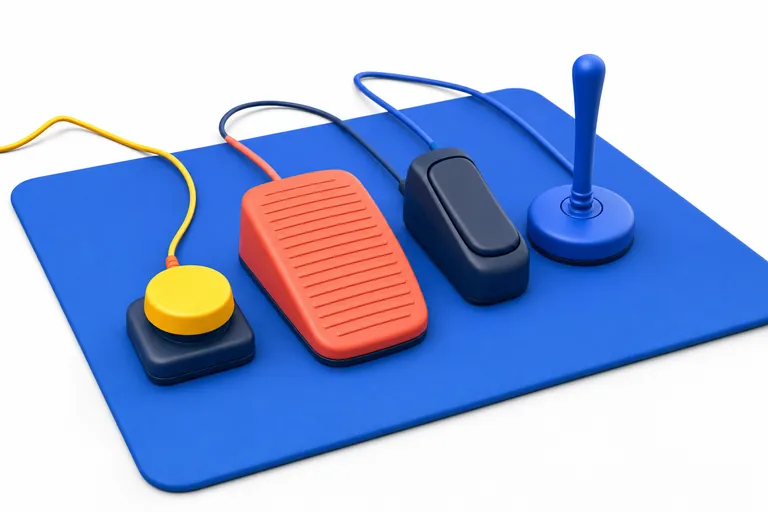
Gaming with limited mobility: controllers, remapping and one-handed setups

Gaming with cognitive differences: pacing, clarity and calmer settings
Many people have more than one access need. The guides overlap on purpose: subtitles help with fatigue as well as hearing, and remapping helps with pain as well as reach. Use whichever guides fit you.