
Vision
Gaming with low vision or sight loss: settings and features that help
Change how this site looks for you. Your choices are saved on this device only.
Yellow and white on black.
Wider letter, word and line spacing.
Stops movement and transitions.
Your browser and device settings still work too. Read our accessibility statement.
For disabled players, carers and parents
Plain-English guides to accessibility settings, adaptive controllers and UK support, built from official sources and checked against the date shown on every page.
Every page has a Display button at the top. Use it to make text larger, switch to high contrast, add easier-reading spacing or turn off movement.
Each guide explains what helps, which settings to switch on first, and ends with a checklist you can tick and print.
Gaming with low vision or sight loss: settings and features that help

Gaming if you are deaf or have hearing loss: subtitles, visual cues and chat
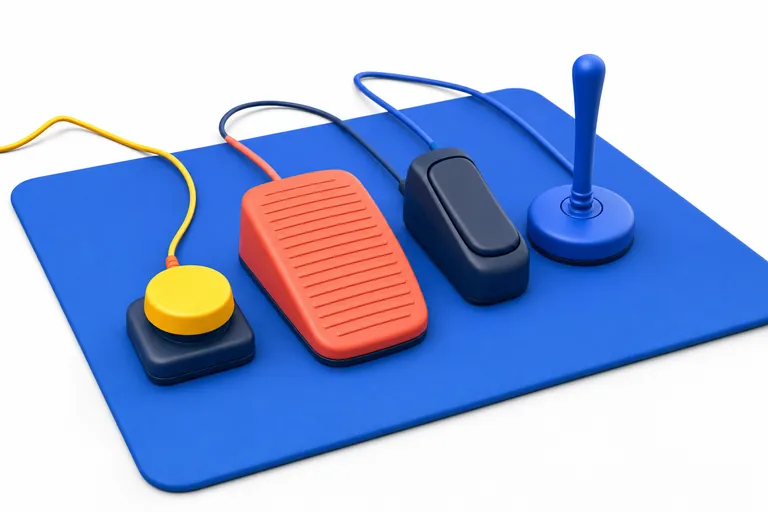
Gaming with limited mobility: controllers, remapping and one-handed setups

Gaming with cognitive differences: pacing, clarity and calmer settings
Jump straight to a filtered list. Counts include only features the publisher documents in full.
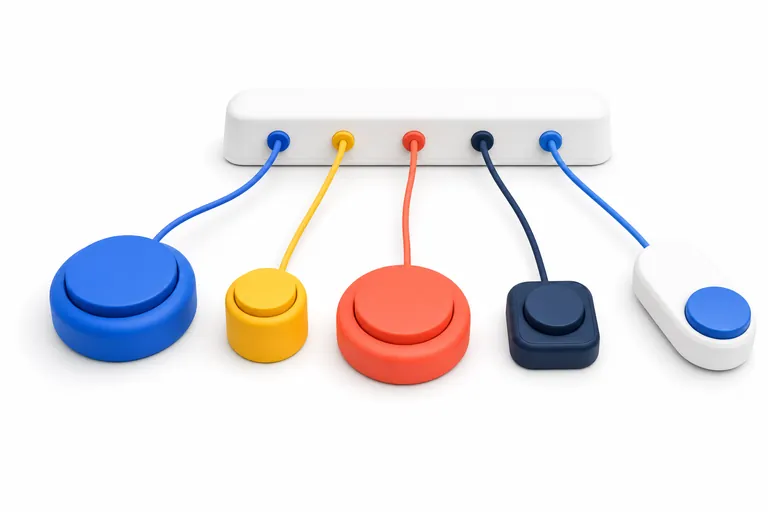
The Xbox Adaptive Controller is a flat, wide controller with two large buttons and a row of ports for external switches and joysticks. It does very…
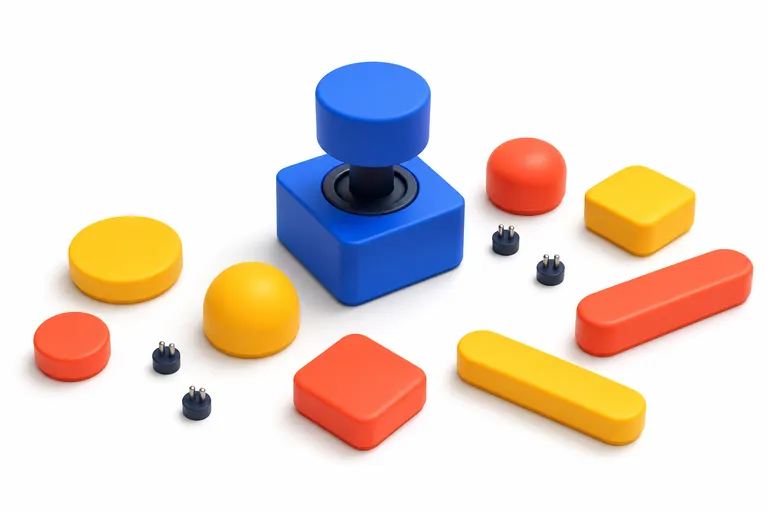
The Access controller is Sony's customisable controller kit for PS5. It has a stick, eight buttons you can rearrange with different caps, and…
Nintendo Switch 2 added a much fuller set of accessibility settings than the original Switch, including text to speech and GameChat transcription.…
Xbox gathers most of its accessibility options in one place: Profile & system > Settings > Accessibility. This guide goes through each…

PS5 keeps its accessibility options under Settings > Accessibility, with a few audio and controller options elsewhere. This guide covers every…
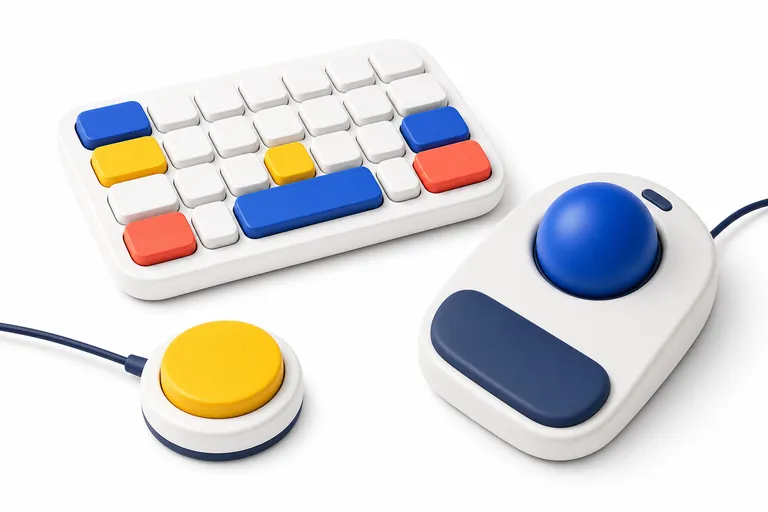
Windows has a deep set of accessibility tools, but not all of them reach into games. This guide explains the settings that help with PC gaming, which…

UK charities can help with equipment advice, loans and setups, and the platform makers run their own accessibility support. Our support page explains who does what.
Each profile lists what the publisher documents for ten features, with notes and the sources we read.
We do not run hands-on tests or give scores. We summarise what publishers, platform holders and UK charities publish, link every source, and show the date we last checked it.
No ads, no affiliate links and nothing for sale. Read how we work.